Uploading your first file
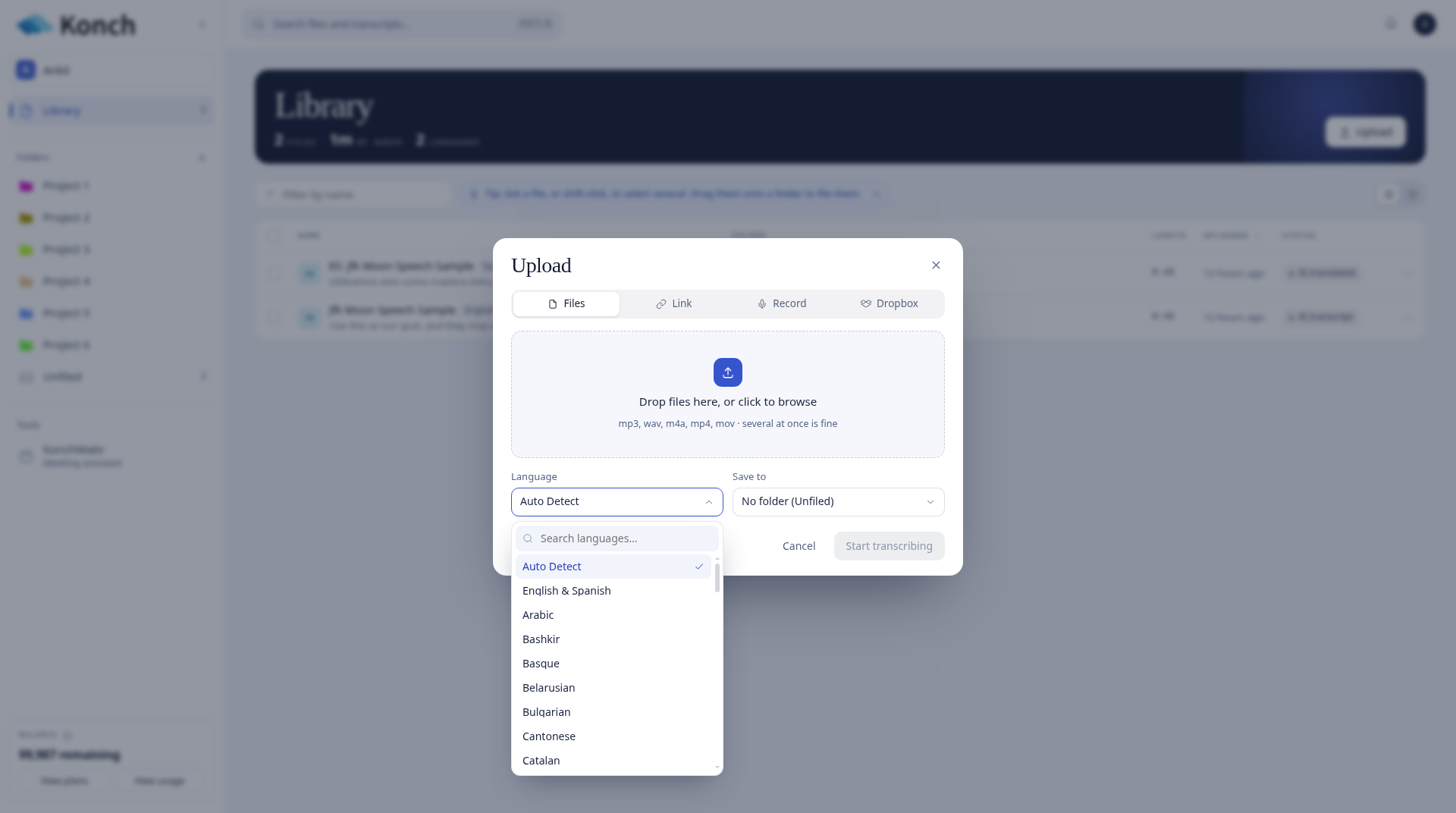
From the Library, click Upload. In the Upload window, you can add files, paste a media link, record, or import from Dropbox. Choose a language or leave Auto Detect selected, optionally pick a folder, and click Start transcribing. Every transcript is created by AI first. If you need a human review, you can upgrade to Precision afterward.