
Deleting Transcriptions or Documents
In the Library, open a file row's More actions menu and choose Delete. The menu also includes Rename, Move to folder, Export, and Upgrade to Precision.
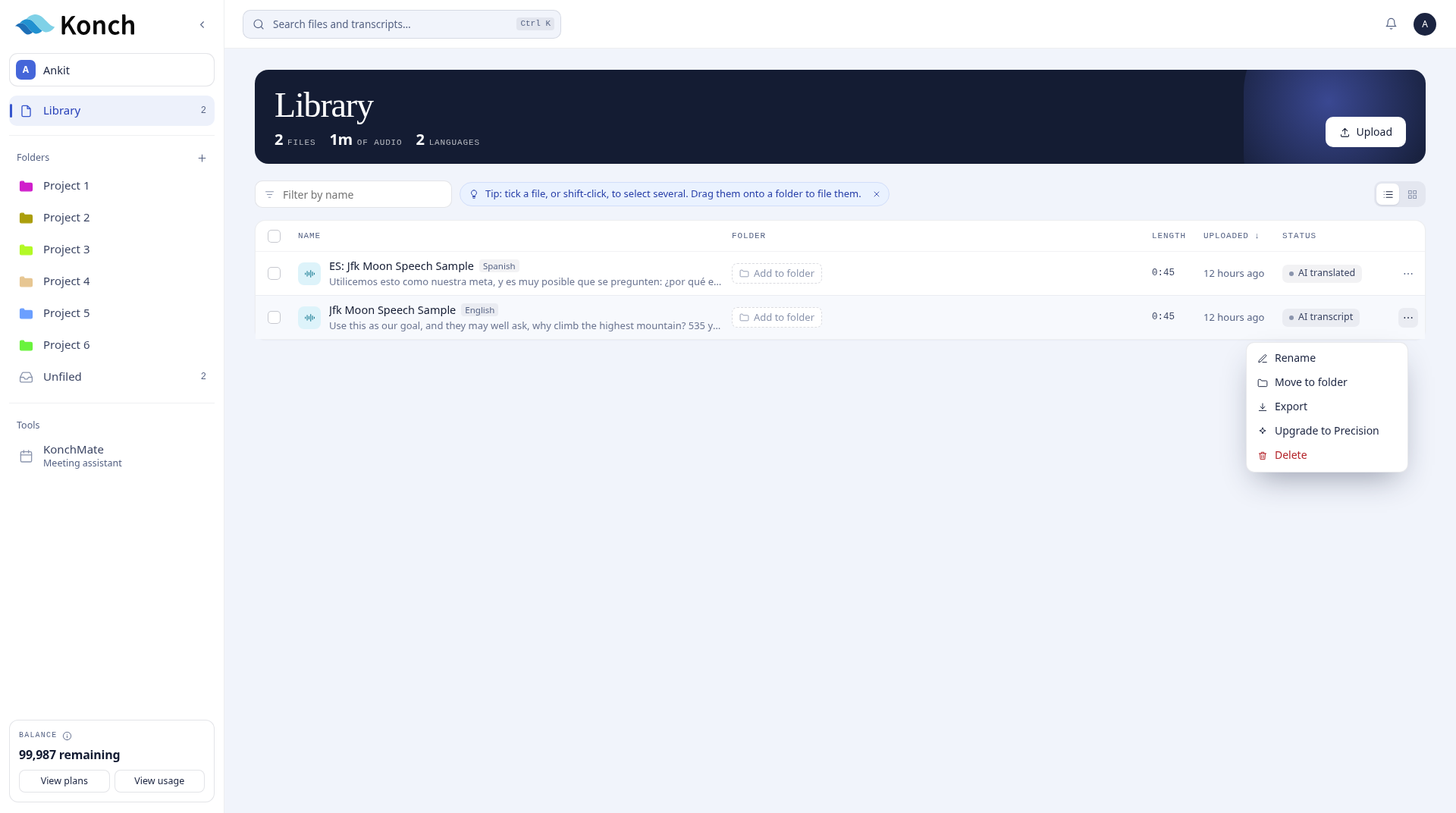
To delete more than one file, select them in the Library. A bar appears with Move to, Export, Upgrade to Precision, and Delete.

You will be asked to confirm. Deleting a file permanently removes it and related assets such as audio or video files.
